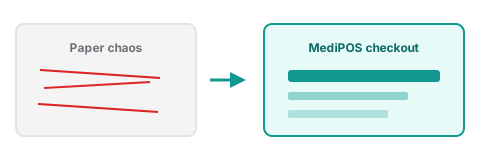
Solved by POS
Paper checkout chaos
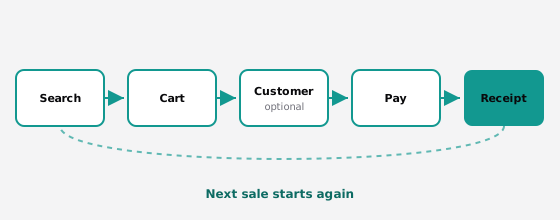
Handwritten totals slow the queue and hide mistakes. POS turns search → cart → pay into a repeatable loop.

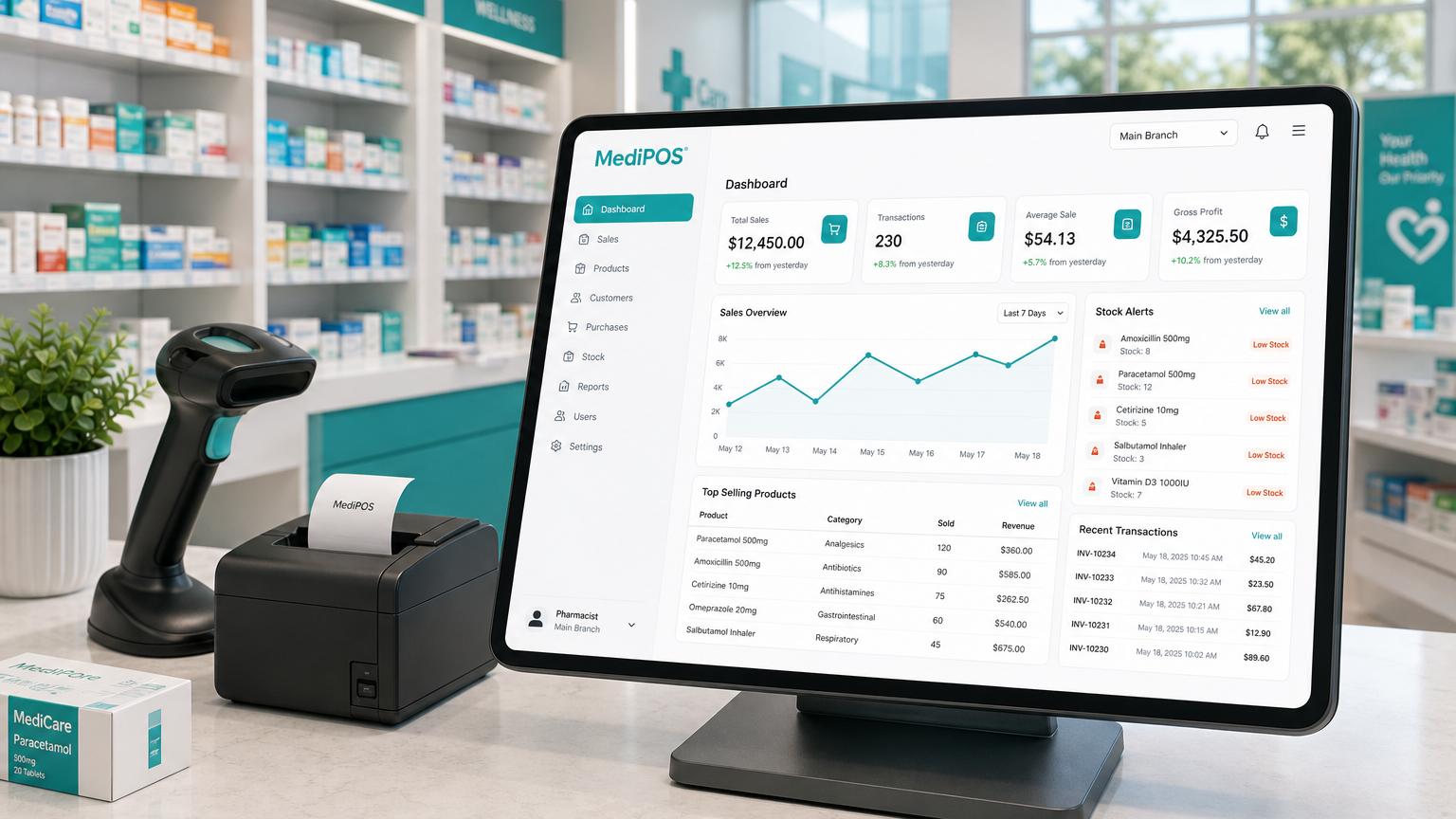
MediPOS
Modern point of sale for pharmacies — checkout, stock, customers, bills, and the daily day book in one place.
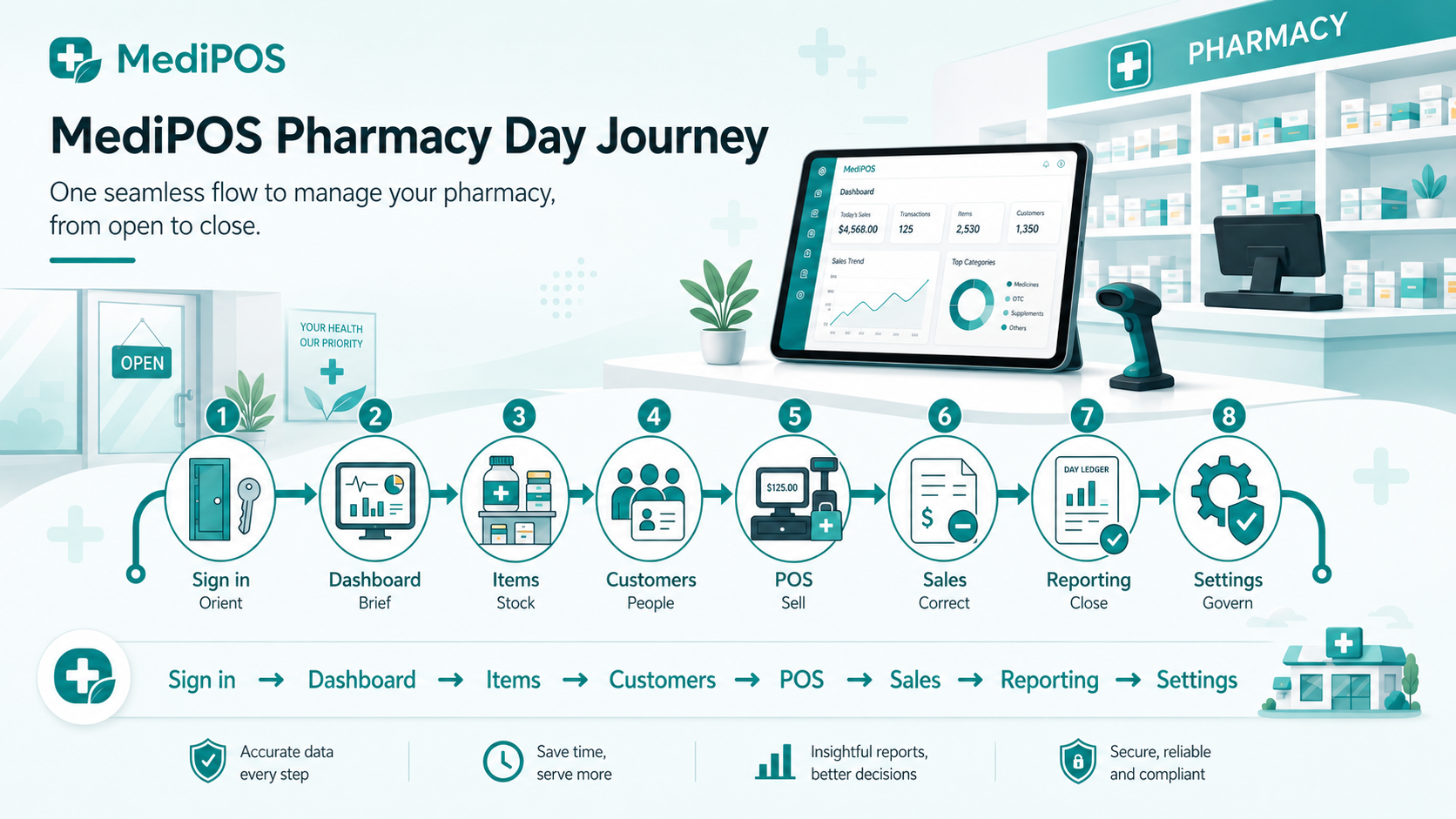
The journey
MediPOS follows how a pharmacy day actually runs: brief, stock, sell, correct, report, then configure — one continuous flow.
Challenges
Each problem maps to a real MediPOS area. Watch the before → after shift on every card.
Solved by POS
Handwritten totals slow the queue and hide mistakes. POS turns search → cart → pay into a repeatable loop.
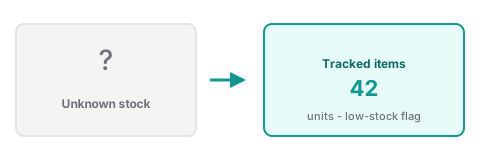
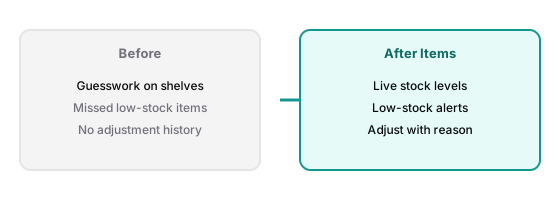
Solved by Items
Items tracks Drug, Syrup, Service, and Other with low-stock flags and reasoned adjustments.
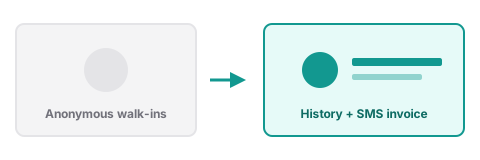
Solved by Customers
Customers store phone and history so you can attach regulars and send digital invoice SMS.
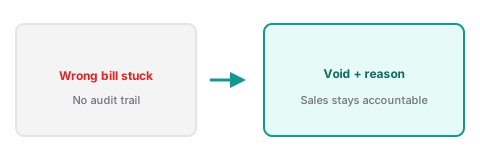
Solved by Sales
Sales lets managers void with a required reason — then ring the corrected sale at POS.
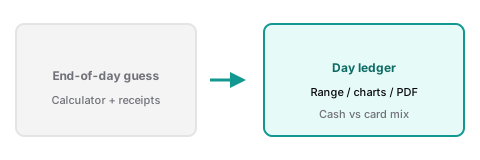
Solved by Reporting
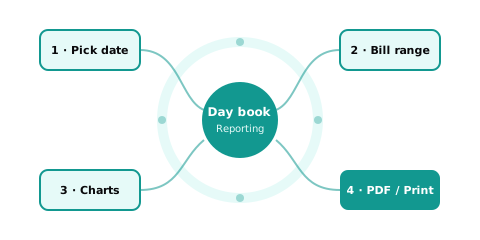
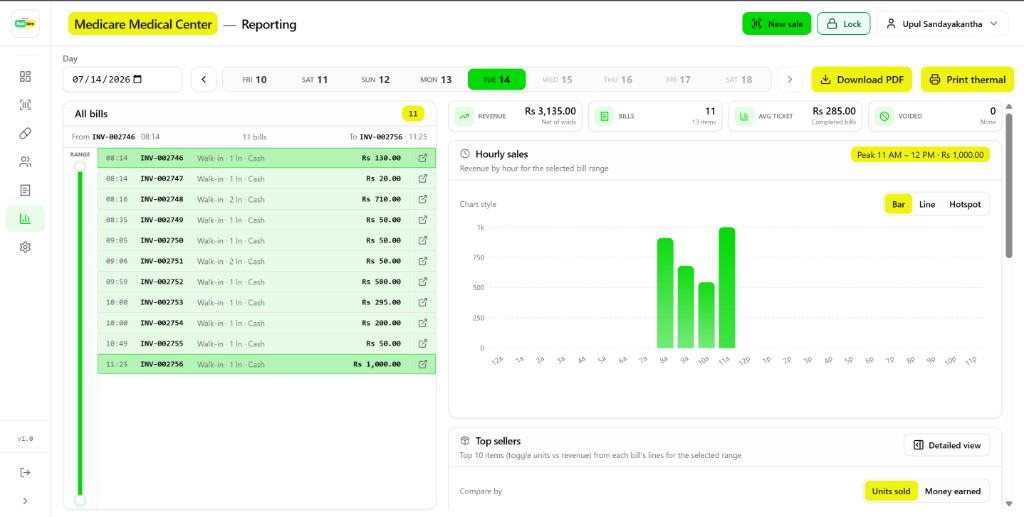
Reporting builds a day ledger with bill range, charts, and PDF or thermal export.
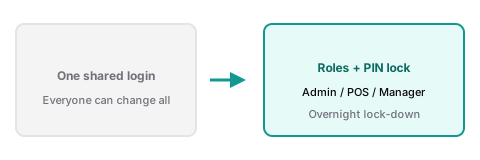
Solved by Settings
Settings assigns roles and a workspace PIN so overnight terminals stay limited to POS.
Product areas
Everything feeds or follows the sale. Hover a hub card to see how it connects to POS.
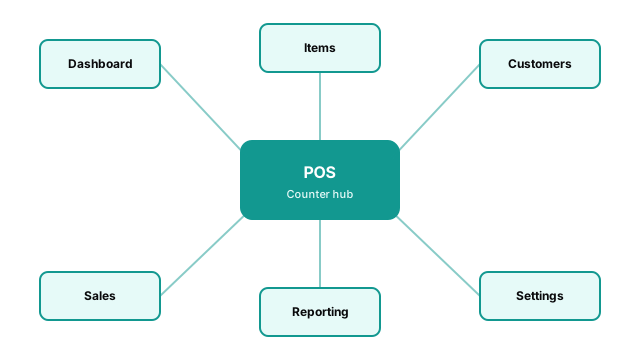
Today and month sales, low stock, 14-day trend, top items, recent bills.
Catalog with stock adjust + reason; filter low stock; barcode and generic search.
Directory, lifetime stats, purchase history, profile linked to bills.
Cart, discount/tax, cash or card, print and digital SMS invoice.
Bill list and detail, void with reason, reprint, public customer receipt view.
Day book, bill-range slider, charts, PDF and thermal day ledger.
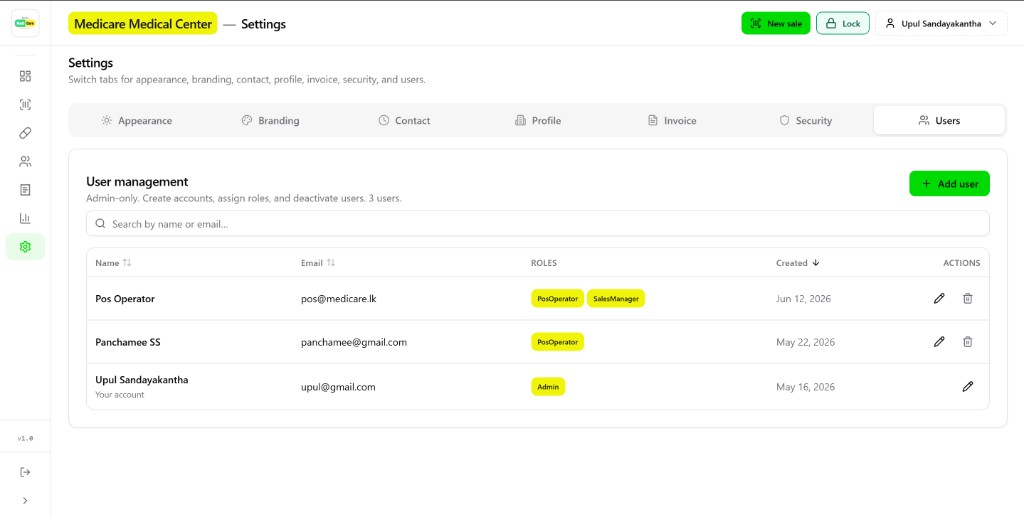
Branding, pharmacy profile, invoice/print, security PIN lock, users and roles (Admin, POS operator, Sales manager, Analyst, Operations).
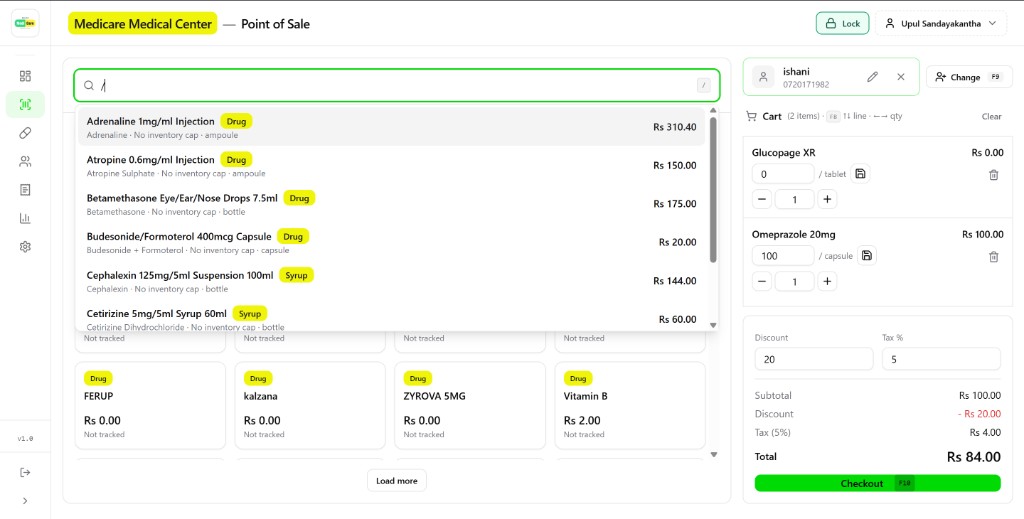
Search drugs and syrups, attach a customer, set discount and tax, then checkout with F10 — cart stays on the right while the catalog stays fast.
Pick a day, slide the bill range, read revenue and voids, then download PDF or print thermal. Hourly sales and top sellers sit beside the ledger.
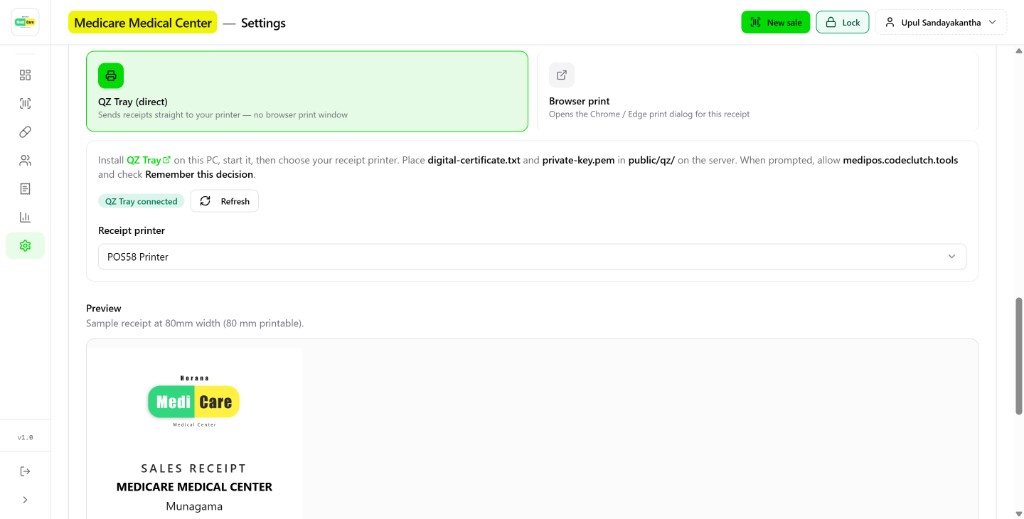
Choose QZ Tray or browser print, preview 80mm receipts, and manage users with roles like Admin, POS operator, and Sales manager.
Capabilities
Concrete tools from the product — not aspirational slogans.
Keyboard quantity entry, F9 customer attach, F10 checkout, cash tendered with change.
Adjust with required reason; Dashboard surfaces low-stock before you oversell.
Visits, spend, and purchase history; phone enables digital invoice SMS.
Thermal print (58/80mm, QZ Tray optional) and SMS invoices; public customer-view link.
Bill-range reporting, hourly and payment-mix charts, PDF and thermal export.
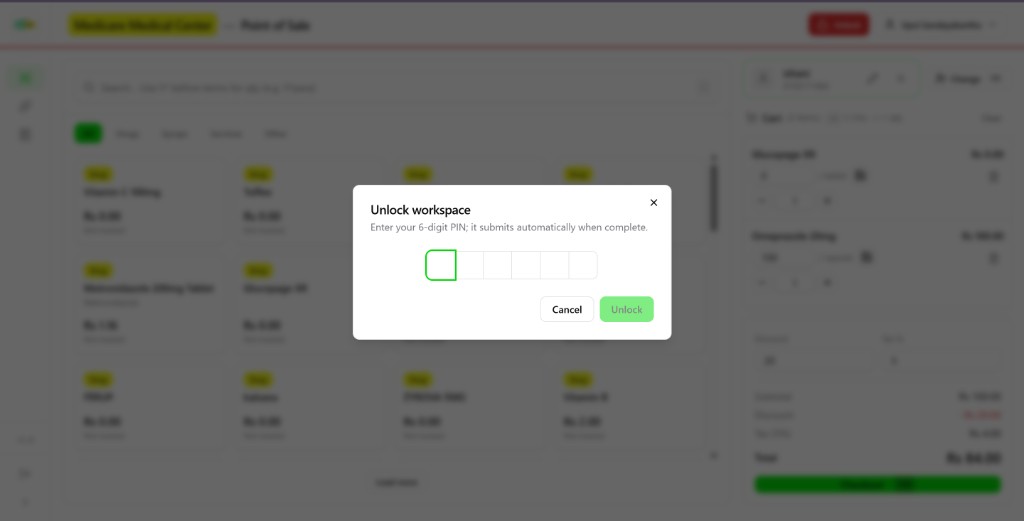
Role-gated nav and a 6-digit workspace lock for overnight counter security.
Enter a 6-digit PIN to unlock. Keep the terminal limited to allowed pages overnight so the counter stays secure without a full sign-out.
Real-world usage
A concrete day using only real MediPOS screens — from morning stock to evening PDF.
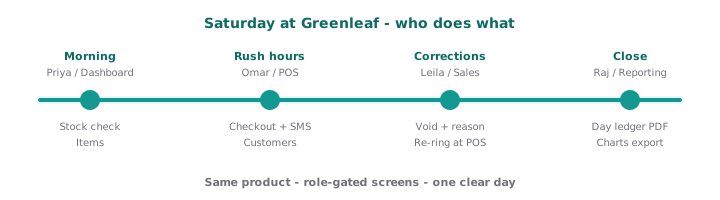
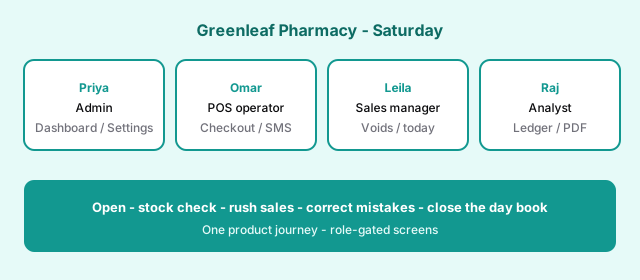
Priya opens on Dashboard, adjusts stock in Items, then configures branding and users in Settings. Omar lives in POS, attaching customers and sending digital invoices. Leila uses Sales to void a wrong bill with a reason. Raj closes with Reporting — day ledger PDF for the full bill range.
Sign up to get started, log in if you already have access, or walk the interactive journey guide first.